
Pickaway County VINELink Coverage
Ohio VINE is a free custody-status and notification service open to anyone. Pickaway County shows its participation right on the sheriff's Active Inmates roster. Each current card carries a "Notify Me of Status Change" link. That link goes to a live VINELink person record. Because that link points to a dynamic entry, its identifier changes. It should never be hard-coded anywhere. The statewide service reaches participating county jails. It also covers the Ohio Department of Rehabilitation and Correction and the juvenile system. County jail custody and sentenced state-prison custody are separate populations. The VINELink search screen shown here opens with state and person-search choices and asks for no private alert information just to run a search.
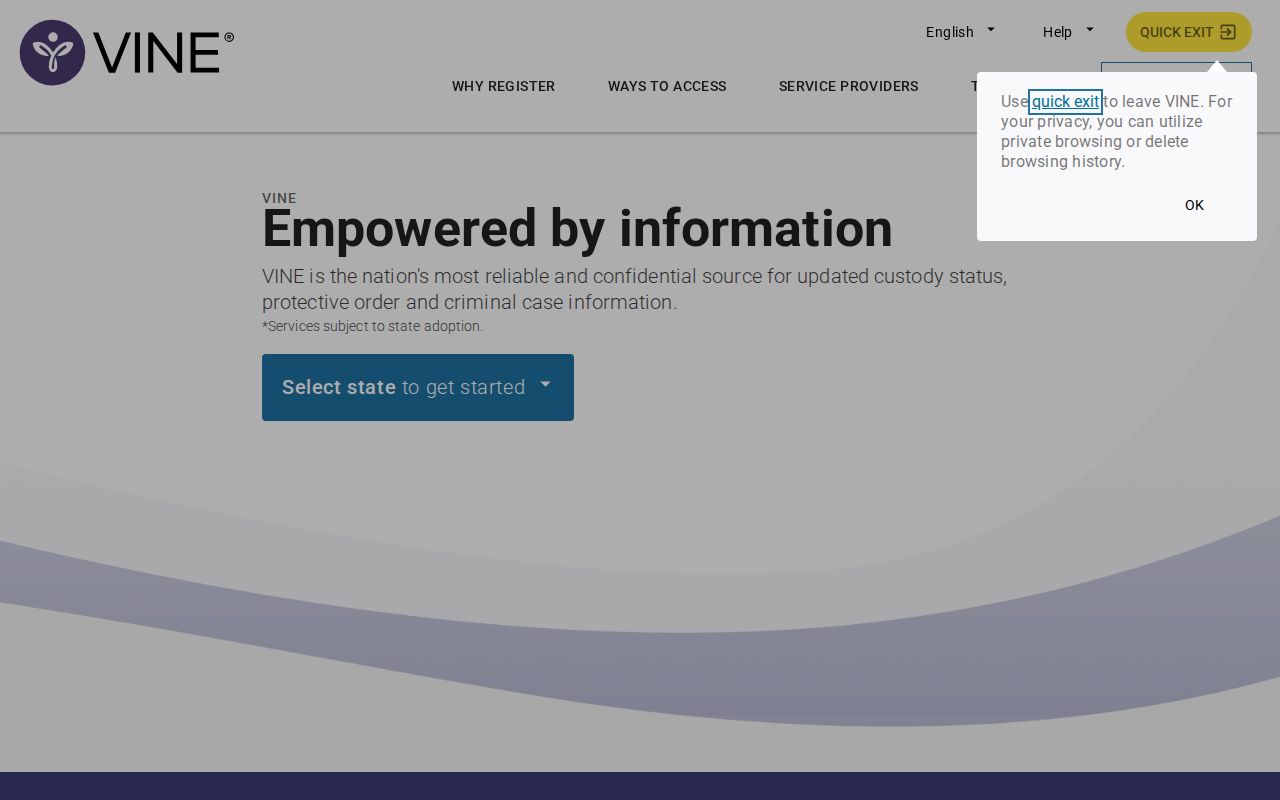
The screen displays the public search route only. Registration details stay private and never belong in a screenshot.
Search Pickaway Custody on VINELink
Start with enough detail to separate the right person from namesakes. Give the service only what it asks for. A common name can pull up several results. Match on identifiers, not on a photograph alone.
- Open VINELink and select Ohio.
- Choose a person search and enter the name, or use an offender or booking number when known.
- Review spelling and try a supported variation if the first search is blank.
- Compare all displayed identifiers across possible matches.
- Open the matching custody record and read its facility and current status.
- Follow the registration control only if custody alerts are needed.
The sheriff roster offers a direct status-link path for anyone currently listed. It cuts down on guesswork. The Pickaway County recent arrests hub explains how the roster, booking record, court docket, and state offender record differ.
Pickaway VINELink Result Fields
A VINELink result centers on custody status and notification rather than a full booking packet. Exact fields vary by the supplying agency and record.
| Result element | How to use it |
|---|---|
| Name and identifier | Distinguish possible matches and avoid relying on name alone. |
| Custody status | Read the status as of the latest supplied update. |
| Facility or agency | Identify where direct confirmation should be sought. |
| Status-notification control | Begin release or transfer alert registration. |
| Supported event notice | Signals a custody change, not a court disposition. |
Do not expect VINE to show every roster field, a guaranteed photograph, a complete charge history, or each court event. A booking number can help pin down a match. The booking sheet itself stays a sheriff record. Arraignment, plea, amended charges, and disposition live in the court files.
Register Pickaway Custody Alerts
The Ohio Attorney General brochure lists four access channels: VINELink, the VINEmobile app, 1-800-770-0192, and TTY 1-866-847-1298. County notices can cover release, transfer, escape, and death. ODRC notices may add parole events, and the choices depend on the record.
- Open the correct person's record and choose notification registration.
- Select phone or email and enter only the needed contact information.
- For phone registration, create a four-digit PIN.
- Save the confirmation and keep the PIN private.
- Acknowledge notification calls with the PIN when prompted.
- Update or cancel registration through the service when circumstances change.
Email registration skips the phone PIN. Unacknowledged calls can keep coming for up to 48 hours. That window is no promise the first call lands at a set time. The official Ohio VINE brochure covers telephone access and supported notifications. It also explains PIN use and acknowledgment steps. Read it before relying on a phone alert.
Pickaway VINELink Limits and Verification
VINE pulls data from participating jail systems, so it can lag a new arrest, a transport, or a recent status change. Check the sheriff's roster first for current local custody. Still unsure about a fresh booking? Call the Pickaway County Jail at (740) 477-6156. The Pickaway 24 Hour Arrests workflow walks through that same-day gap. Federal Bureau of Prisons and ICE custody sit outside the Ohio VINE result set. Use their separate official locators. ODRC search covers sentenced state custody or supervision, not the Pickaway County Jail roster.
Pickaway Roster Connects to VINE
The direct status links on the Pickaway County roster make the local setup unusually clear. Starting from a current sheriff card also cuts the risk of a wrong-person search. Still, read the VINELink identity fields yourself. A shared name or a lookalike photo proves nothing. The sheriff homepage shown here presents the booking search and app. These sit among the office's official services.
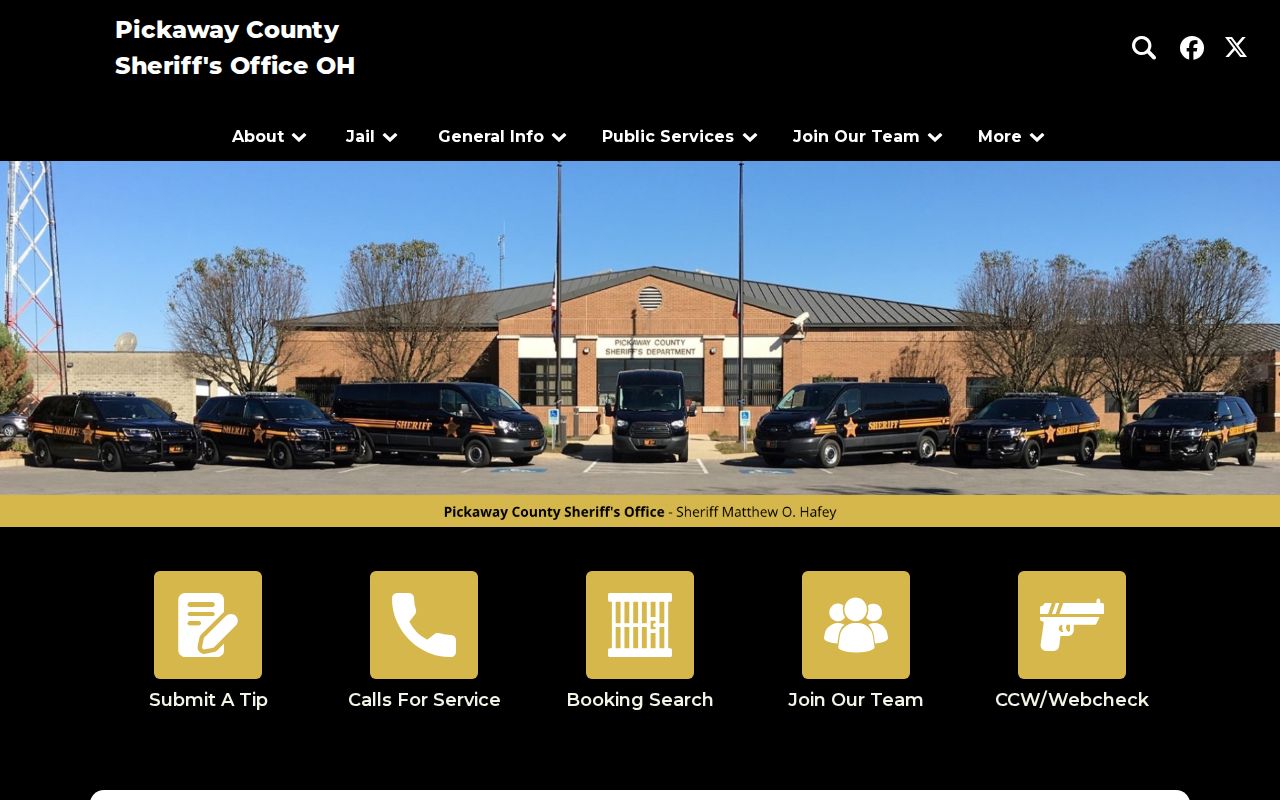
The sheriff site is the official starting point for local custody. VINELink adds ongoing change notices for a chosen person. The Pickaway sheriff app also carries Active Inmates, alerts, press releases, and other public-safety tools. Its general alerts are distinct from person-specific VINE custody notices. Neither app feature builds a historical arrest log.
Keep VINELink Registration Private
Searching public custody data and registering a contact method are two different acts. Never publish a registrant's phone number, email, PIN, or completed notification screen. Enter the least information needed. Keep confirmation details secure. A roster photograph, when available, is an identification record. It is tied to a custody event, nothing more.
- Custody status
- The person's reported placement or release state at the latest update.
- Transfer
- Movement between facilities or agencies.
- Disposition
- The court's outcome, which VINE does not decide.
- Notification
- An automated notice of a supported custody event.
Ohio VINE Access Channels
Ohio VINE runs on four channels. The VINELink website, the VINEmobile app, the automated phone line, and the TTY line exist. All four reach one notification network. Pick whichever fits the moment. Phone callers need their four-digit PIN close by yet kept private. Anyone registering by email should watch that inbox and keep contact details current. Ohio VINE training material calls the service free and anonymous for the person checking custody.
The source system sets the notice. A Pickaway County jail event may cover a release, a transfer, an escape, or a death. ODRC adds parole notices. Court hearings, changed charges, dismissals, and sentences never trigger a VINE event. Track those on the court docket instead.
Awareness is not safety. The Ohio Attorney General warns against treating notification as the whole plan. A real emergency needs emergency services. When a custody update seems delayed or hazy, call the facility named in the record rather than a general switchboard.
Confirm Pickaway Custody Changes
A release notice answers one thing: the supplying system logged a release, and it never says why. Bond, a court order, a finished sentence, or a transfer to another agency could all sit behind it. A transfer is movement, not freedom. Read the label. Check the facility line before acting.
Say a name drops off the Pickaway County roster while VINELink still shows the old status. Write down both check times, then call the jail. If VINE reports a transfer, the receiving facility is next to confirm, and an ODRC move after sentencing points to the state offender search. Federal or immigration detention is different. Use the BOP or ICE locator there.
Alerts ride on automated data exchanges, so an event may land before the notice does; the Ohio VINE brochure itself warns against leaning on notifications alone. Keep other contacts current. An urgent threat belongs with emergency services.
Note the date, time, spelling, identifier, facility, and status shown. Never share private registration details. If an alert clashes with a live official page, call the facility. Describe both timestamps so staff face one clear question instead of dueling screens.
Public Record Search
Sponsored Results